Switch Nika Configurations
To reduce both SAXS and WAXS data within a single Igor experiment, two separate Nika configurations are required. However, only one configuration (SAXS or WAXS) can be active at any given time. Use Nika’s Configuration Manager tool to switch between them:
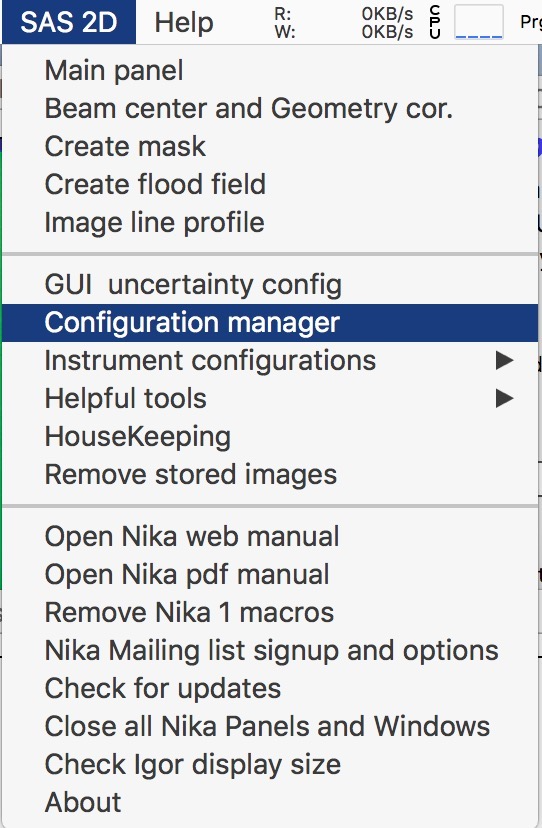
Select this menu item to open the Configuration Manager panel:
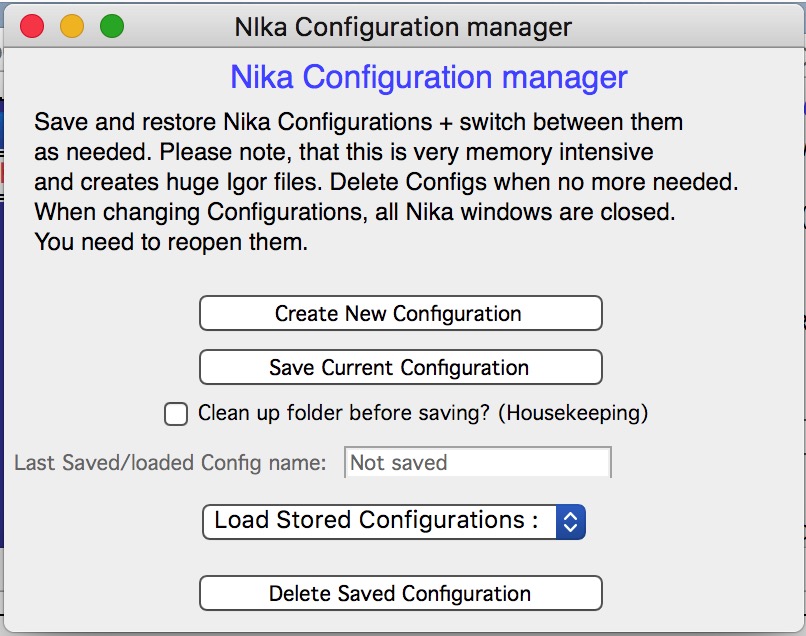
Select “Create New Configuration”. Nika will ask whether to save the current configuration — if you plan to return to SAXS reduction later, save it and name it “SAXS”.
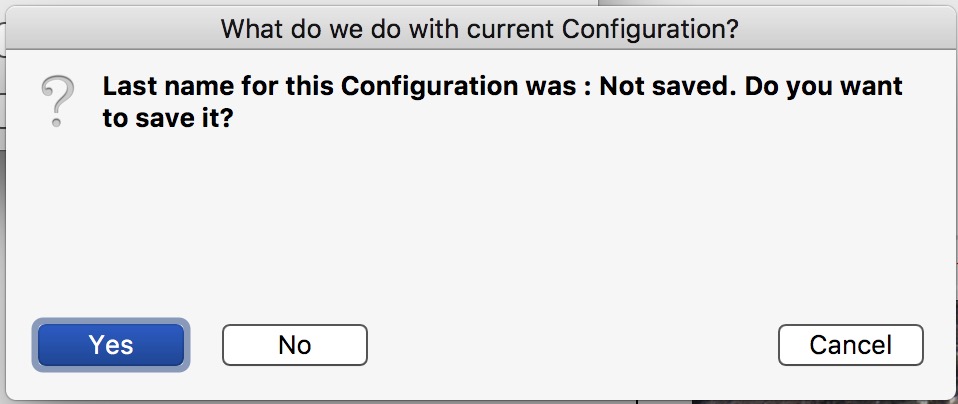
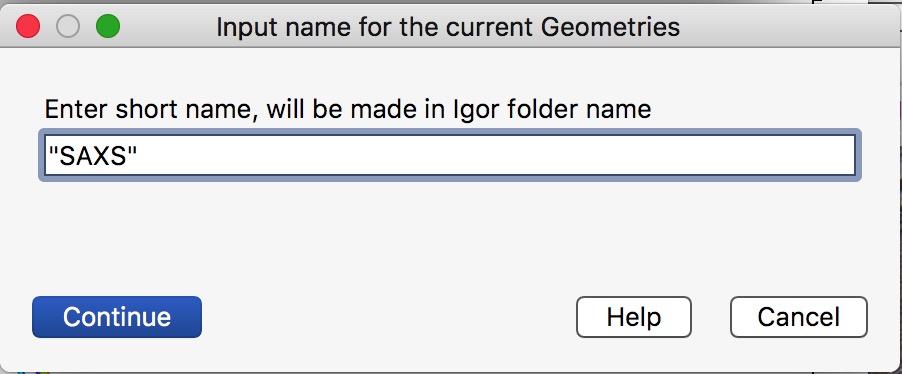
Nika restarts with a new, unconfigured instance. If the 9ID configuration panel was open, it will be reopened automatically.
Configure and reduce WAXS data as needed. When finished, save the WAXS configuration.
To switch back to any saved configuration, select it from the dropdown menu. In the example below, both SAXS and WAXS configurations have been saved and are available for selection:
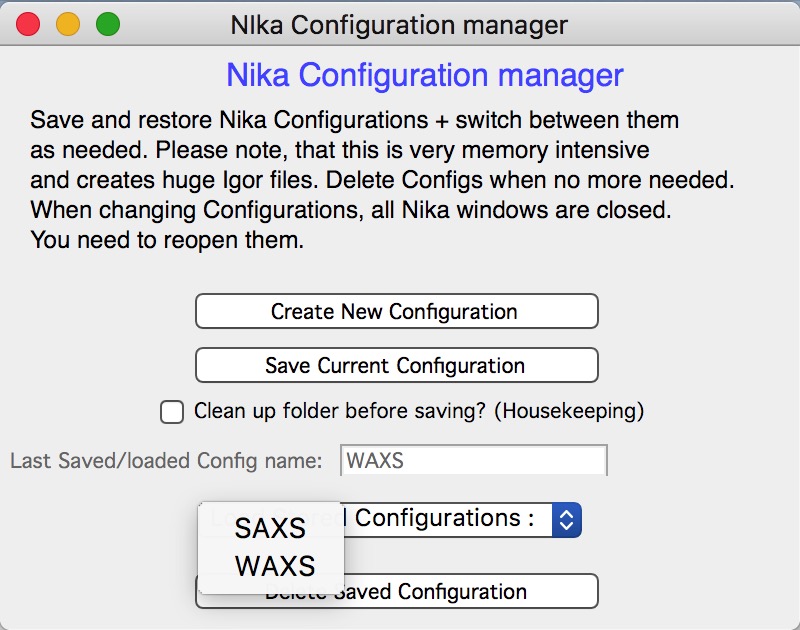
Nika will ask whether to save the current configuration before switching. You can overwrite an existing configuration or save under a new name.
Warning
Configurations consume significant space in Igor experiment files. Avoid saving more configurations than necessary, as files can become excessively large.
Next step: reduce WAXS data.